Module 04 · Final Project期末项目(补充材料)
Final Project Submission Checklist期末项目提交清单
Congratulations on finishing the final project!
祝贺您完成最终项目!
Please submit the screenshots (for Prompts 1 - 9) to get your peer assignment reviewed.
请提交截图(第 1 至 9 项提示),以便您的同伴作业得到审阅。
You will be graded as per the following rubric (20 points):
您将根据以下评分标准进行评分(20 分):
Task 1: Have you taken a screenshot of the “NAME” appearing in the top-left corner and styled it as shown in the sample image and saved it as profile name.png.
任务 1:您是否已截取出现在左上角的“名称”并将其样式调整为如图样所示,并保存为 profile name.png。
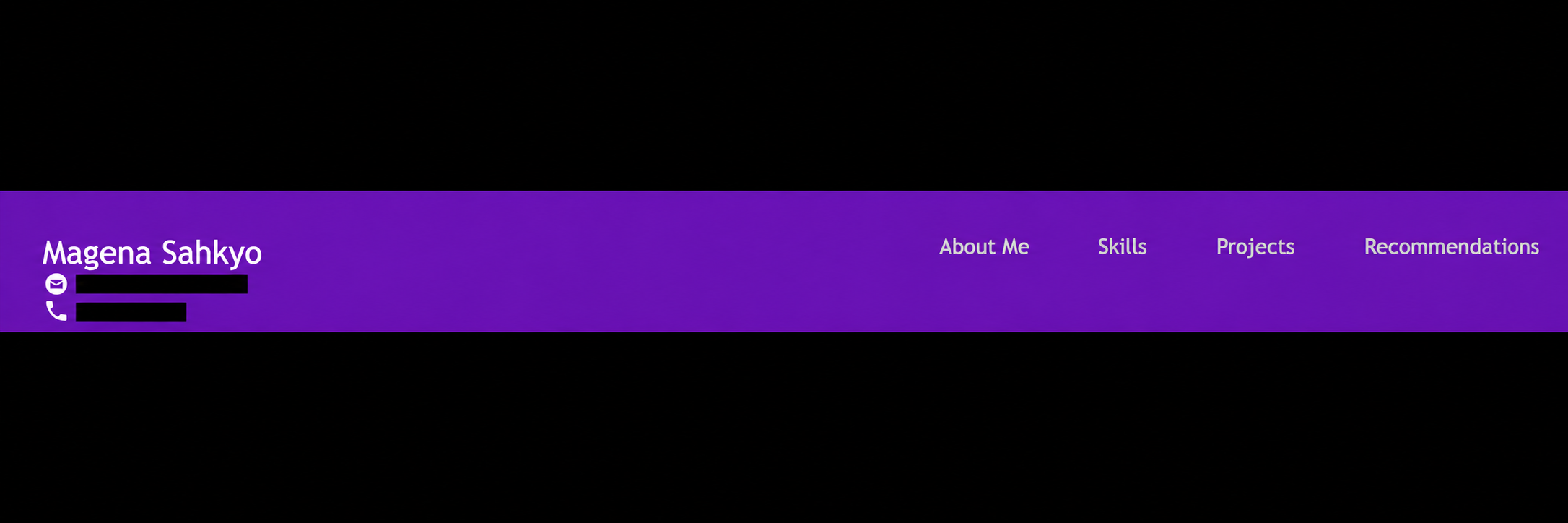
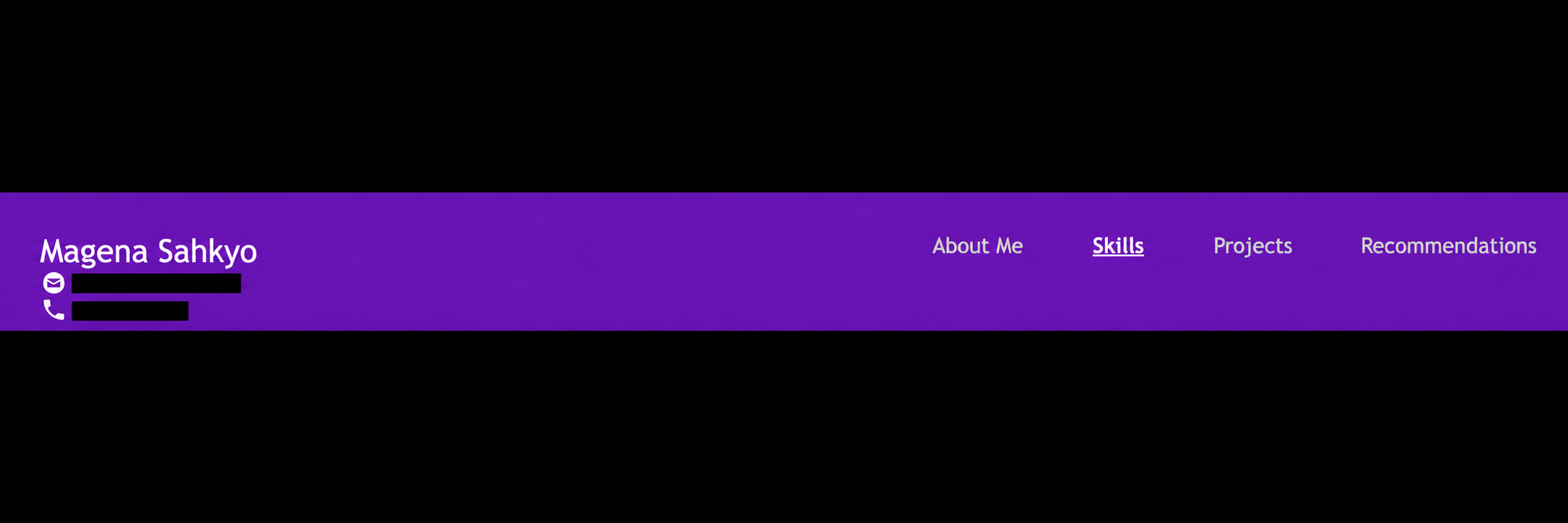
Task 2: Have you taken a screenshot and saved it as nav_bar.png which shows that the navigation bar has all four options (About, Project details, Skills, Recommendations), the font becomes bold on hover, text is underlined.
任务 2:您是否已截取屏幕截图并将其保存为 nav_bar.png,该截图显示导航栏包含所有四个选项(关于、项目详情、技能、推荐),鼠标悬停时字体变粗,文本下划线。
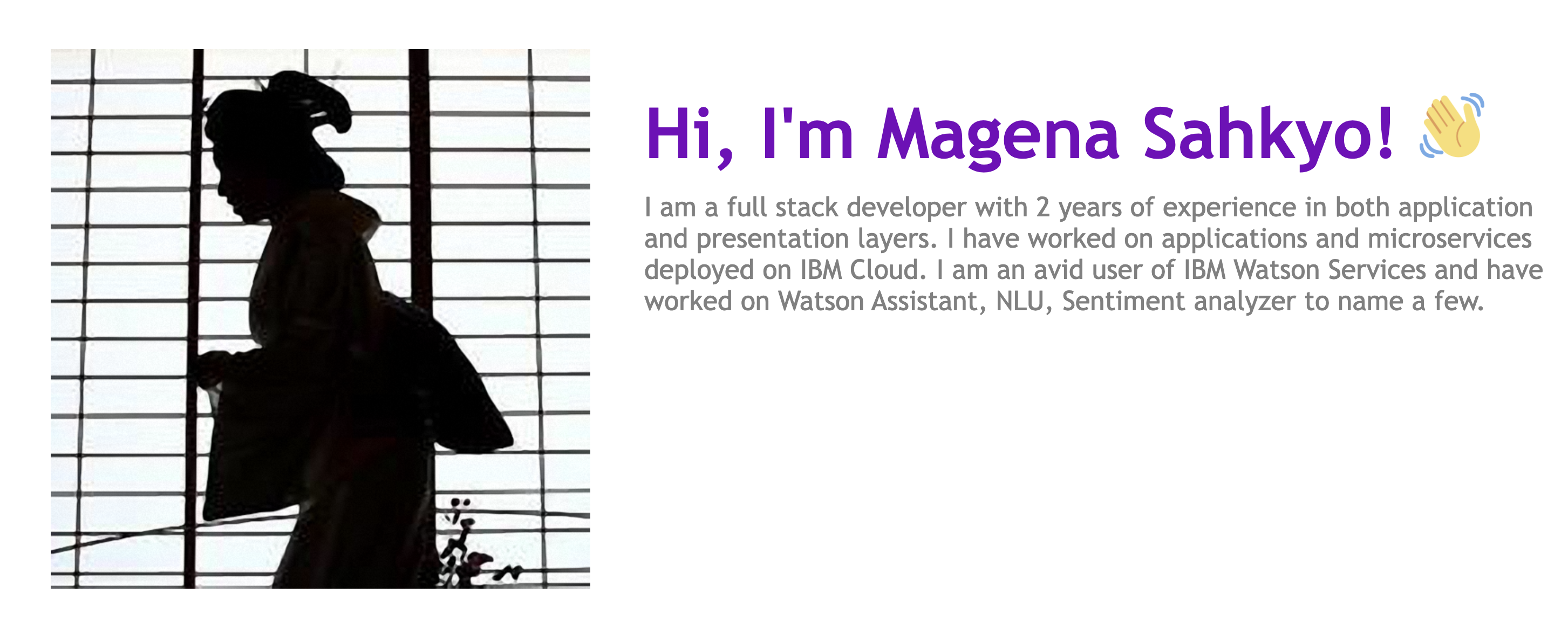
Task 3: Have you taken a screenshot and saved it as aboutme.png which shows that the “About Me” section has a unique profile image, name & text reflecting a summary of learners profile.
任务 3:您是否已截取屏幕截图并将其保存为 aboutme.png,该截图显示“关于我”部分具有独特的个人资料图片、姓名和文本,反映了学习者的个人简介。
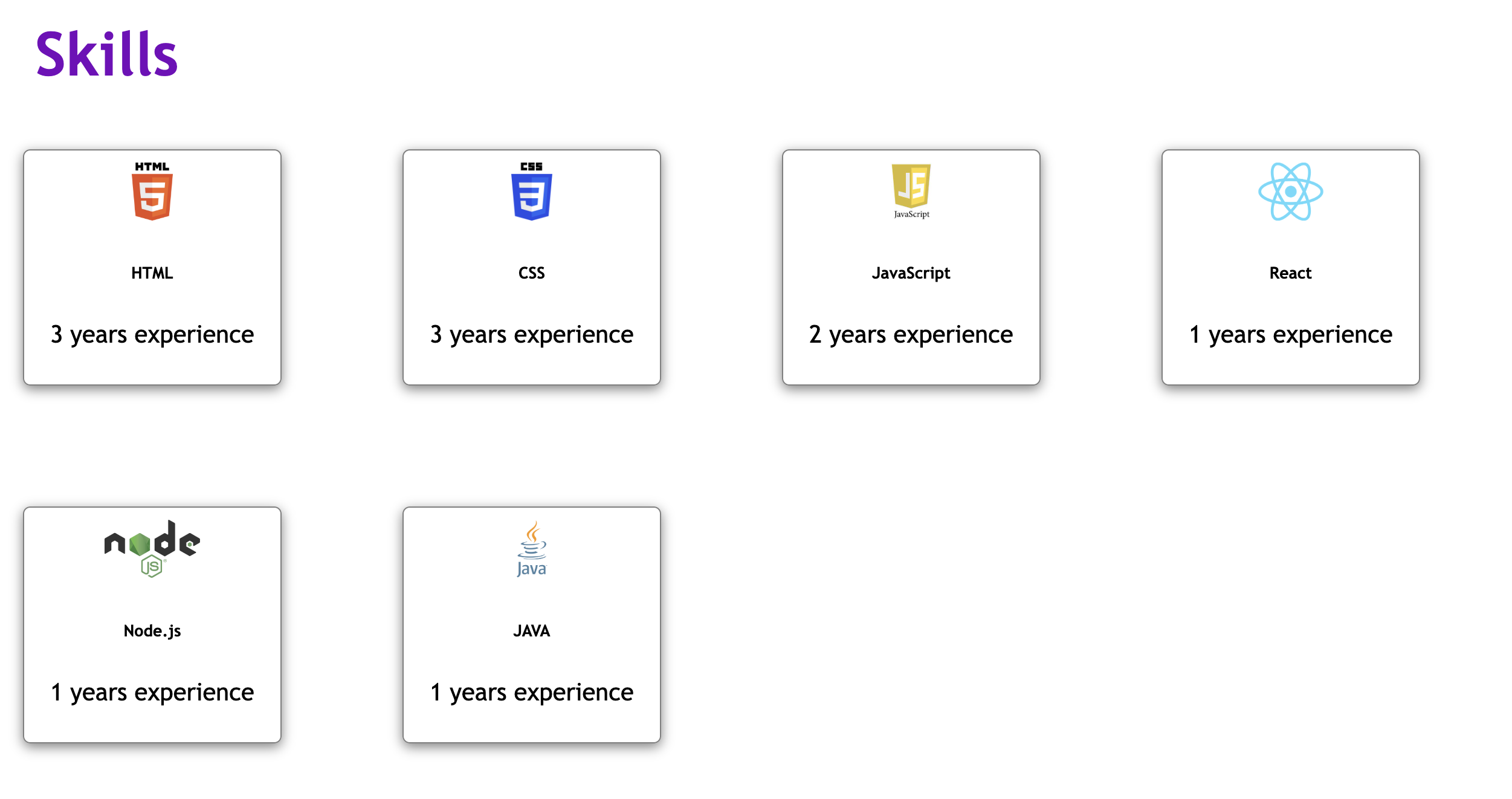
Task 4: Have you taken a screenshot and saved it as skills.png which shows that 3 new skills have been added by the learner and all 5 skills (including the 2 present earlier) are appearing with logo & text in the specified format.
任务 4:您是否已截屏并保存为 skills.png,该截图显示学习者添加了 3 项新技能,并且包括之前已有的 2 项在内的 5 项技能均以指定格式显示有标志和文字。
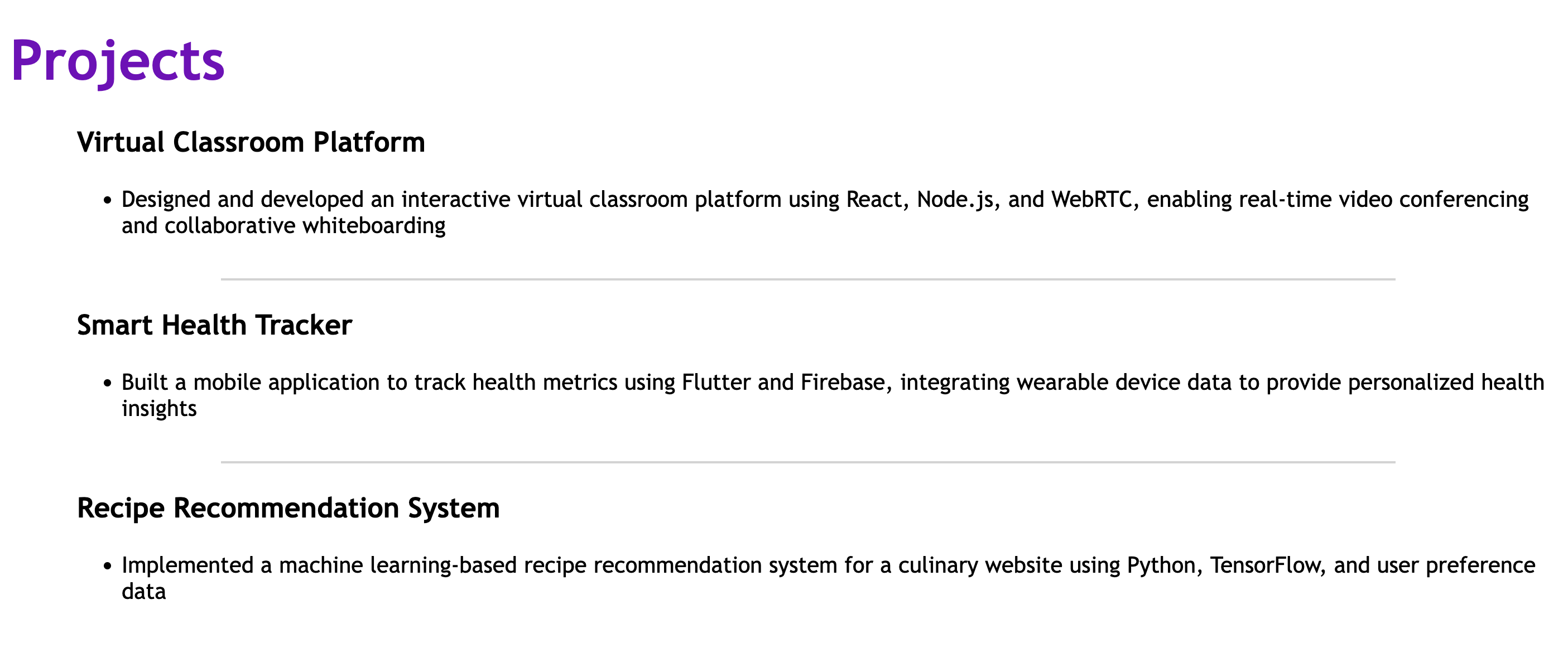
Task 5: Have you taken a screenshot and saved it as projects.png which shows that there are 3 Project details that are styled, changed from the default ones given in the sample, and listed as specified in the sample image.
任务 5:您是否已截取屏幕截图并将其保存为 projects.png,该截图显示有 3 个经过样式修改的项目详情,这些修改不同于示例中提供的默认样式,并且按照示例图片中的指定列出。
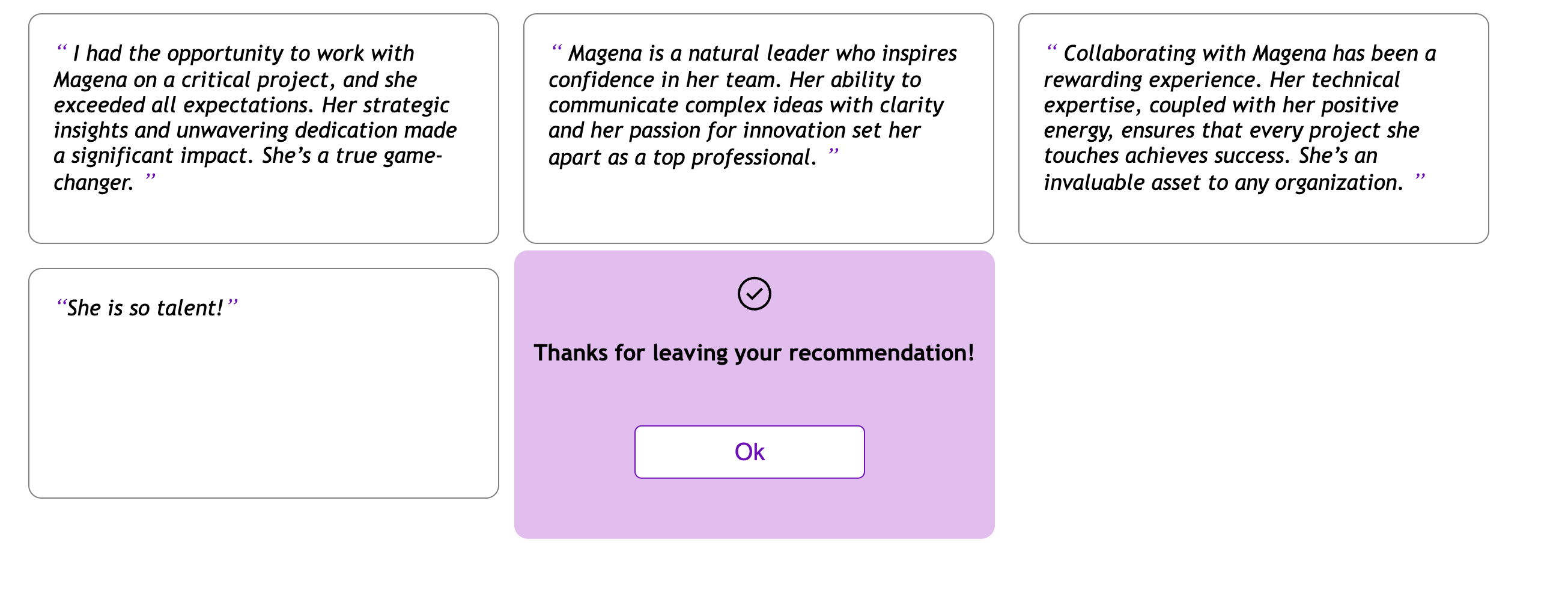
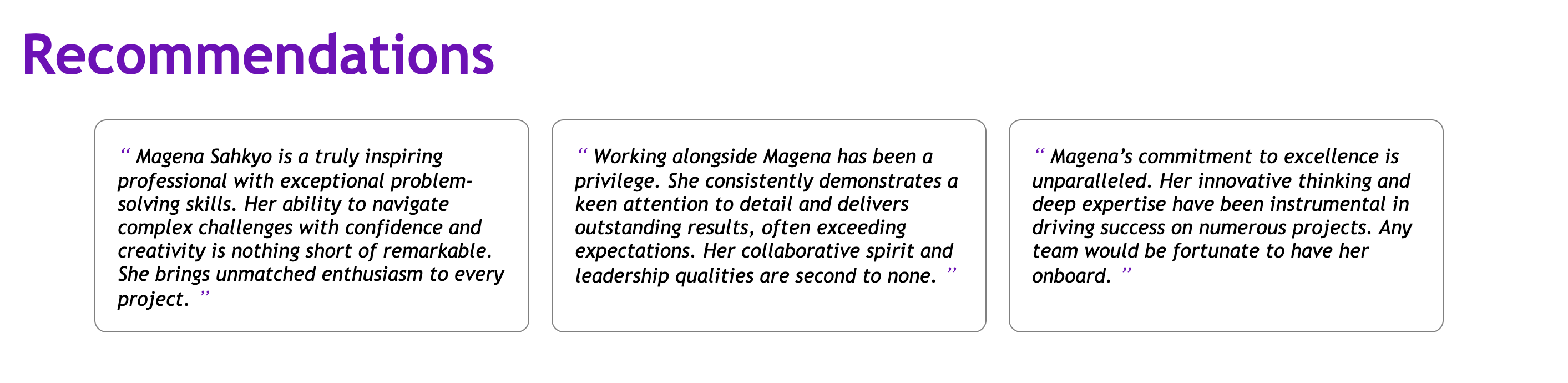
Task 6: Have you taken a screenshot and saved it as recommendations.png which shows that there are 3 recommendations that are styled, changed from the default ones given in the sample as specified in the sample image.
任务 6:您是否已截取屏幕截图并将其保存为 recommendations.png,该截图显示有 3 项经过样式修改的建议,这些建议与示例图像中指定的默认建议不同。
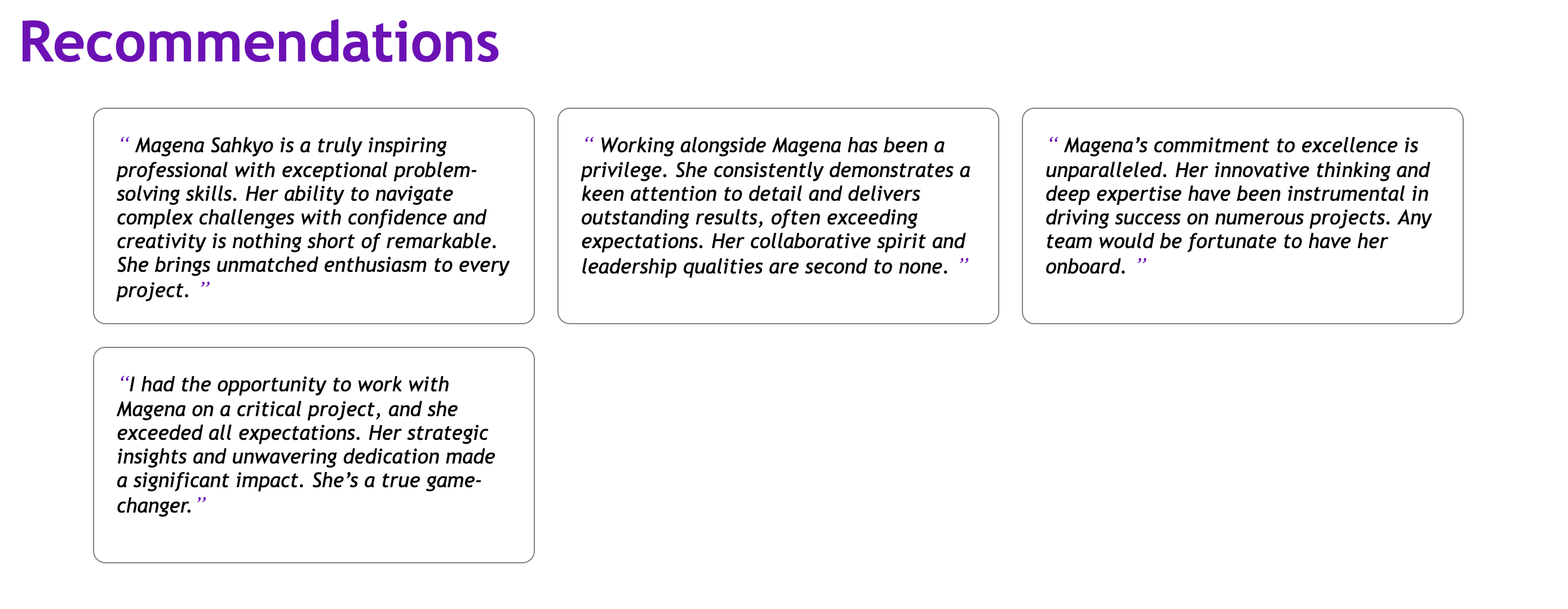
Task 7: Have you taken a screenshot and saved it as new_recommendation.png which shows that when a new recommendation is provided, it gets added to the existing list of recommendations.
任务 7:您是否已截取屏幕并保存为 new_recommendation.png,该图片显示当提供新的推荐时,它会添加到现有的推荐列表中。
Task 8: Have you taken a screenshot and saved it as home_icon.png which shows that the Home icon appears as specified in the sample image.
任务 8:您是否已截取屏幕截图并将其保存为 home_icon.png,该截图显示主图标如示例图片中所示。
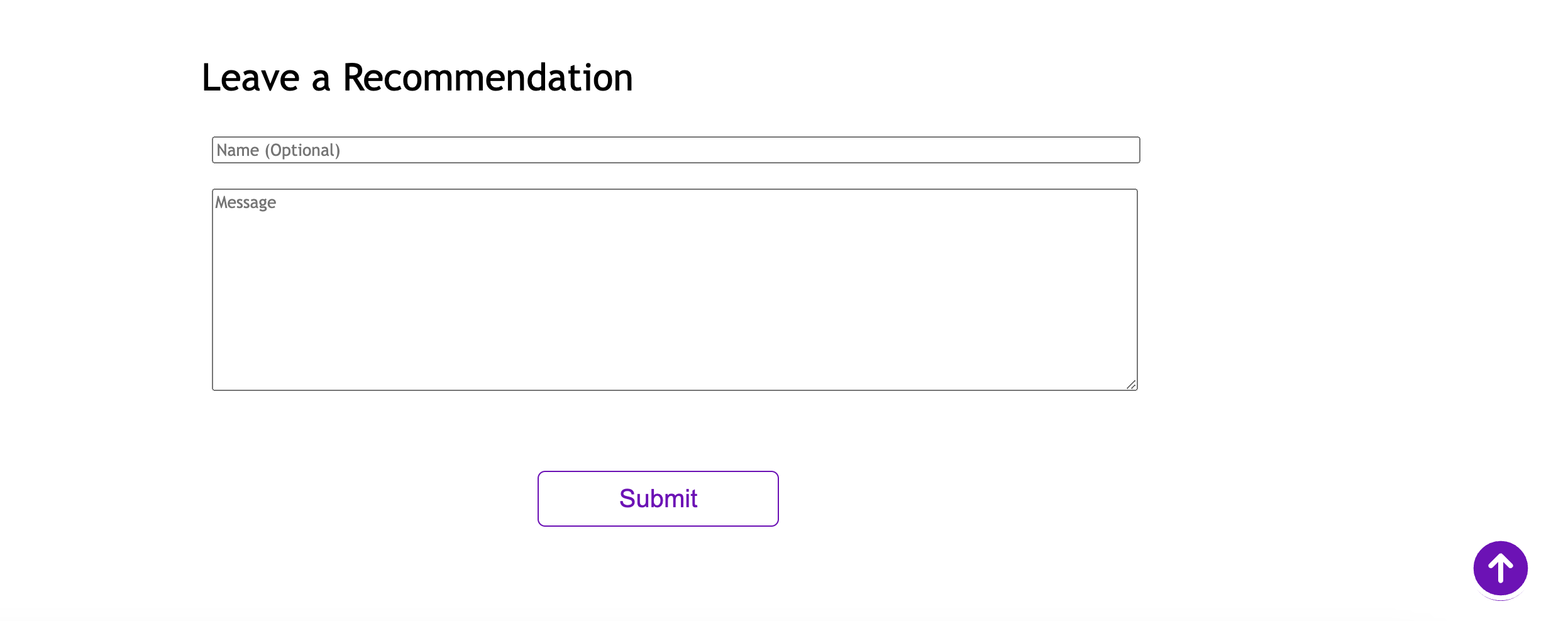
Task 9: Have you taken a screenshot and saved it as popup.png which shows that upon submitting a recommendation, a pop-up appears having a confirmation message as show in the sample image. Eg.,“Thank you for submitting a recommendation!”
任务 9:您是否已截取屏幕并保存为 popup.png,该图片显示在提交推荐后会出现一个弹出窗口,其中包含确认消息,如示例图片所示。例如:“感谢您提交推荐!”