Module 03 · Serverless Overview
Optional: Sign-up for AWS Account(可选)注册 AWS 账户
Hands-on Lab - Signing up for an AWS account 实践实验室 - 注册 AWS 账户
Estimated Time: 10 minutes
预计时间:10 分钟
In this lab, you will sign up for an AWS account.
在本实验室中,您将注册一个 AWS 账户。
Important:* This lab requires use of credit card.*
重要提示:本实验室需要使用信用卡。
Learning Objectives: 学习目标
After completing this exercise, you should be able to perform the following tasks:
完成此练习后,您应该能够执行以下任务:
- Log in to the AWS Console Home
登录 AWS 控制台首页 - View all the services available in AWS
查看 AWS 中所有可用的服务
Pre-requisites 前提条件
- You must have a valid email
您必须有一个有效的电子邮件地址 - You must have a valid phone number that you can receive text messages on
您必须有一个可以接收短信的有效电话号码 - You must have a valid credit card
您必须拥有有效的信用卡
Important:* Please note that you will have to use credit card to do this lab. You will be charged for any usage beyond the free tier.*
重要提示:请注意,您需要使用信用卡来完成此实验。超出免费层级的任何使用都将产生费用。
Exercise - SignUp for an AWS account 练习 - 注册 AWS 账户
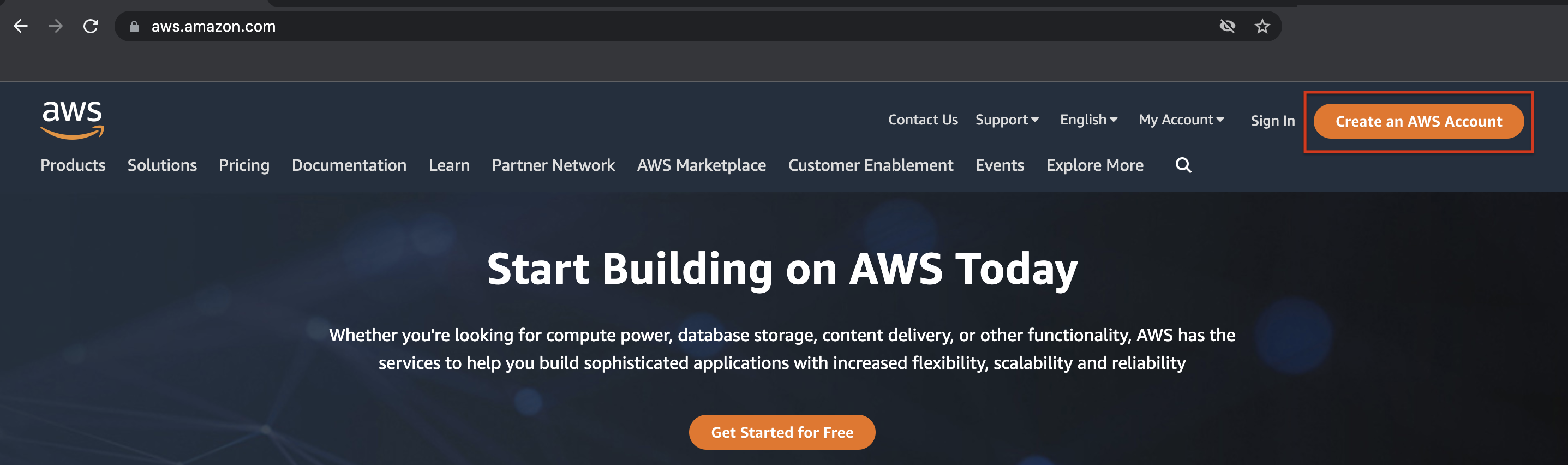
- Go to https://aws.amazon.com and click Create an AWS Account.
前往 https://aws.amazon.com 并点击创建 AWS 账户。
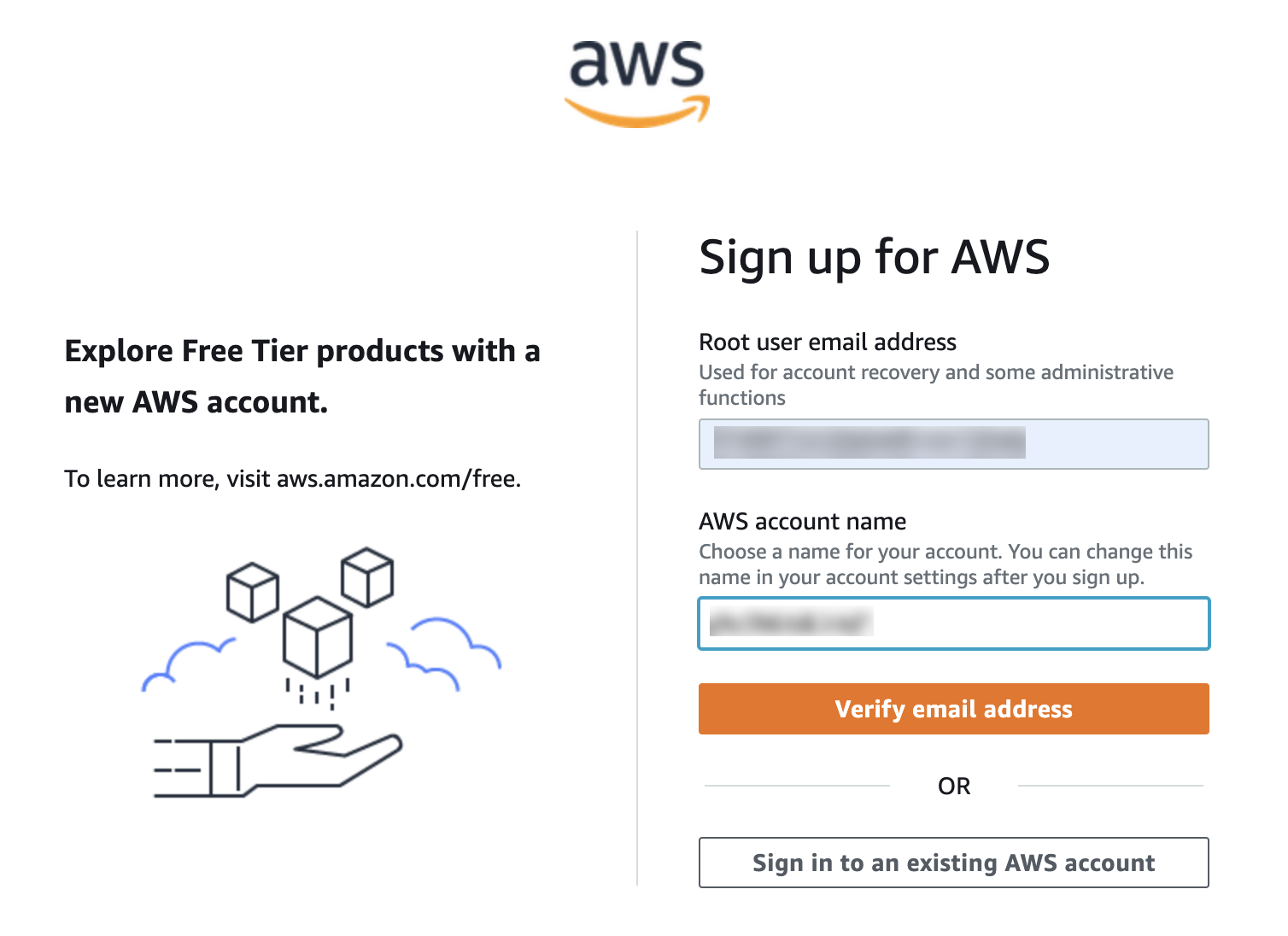
- Provide your email address and a username. The username can be different from the email and can be changed at a later point of time. Click Verify email address. This will send an email with a verification code to the address you provided.
提供您的电子邮件地址和用户名。用户名可以与电子邮件地址不同,并且可以在稍后更改。点击验证电子邮件地址。这将向您提供的地址发送一封包含验证码的电子邮件。
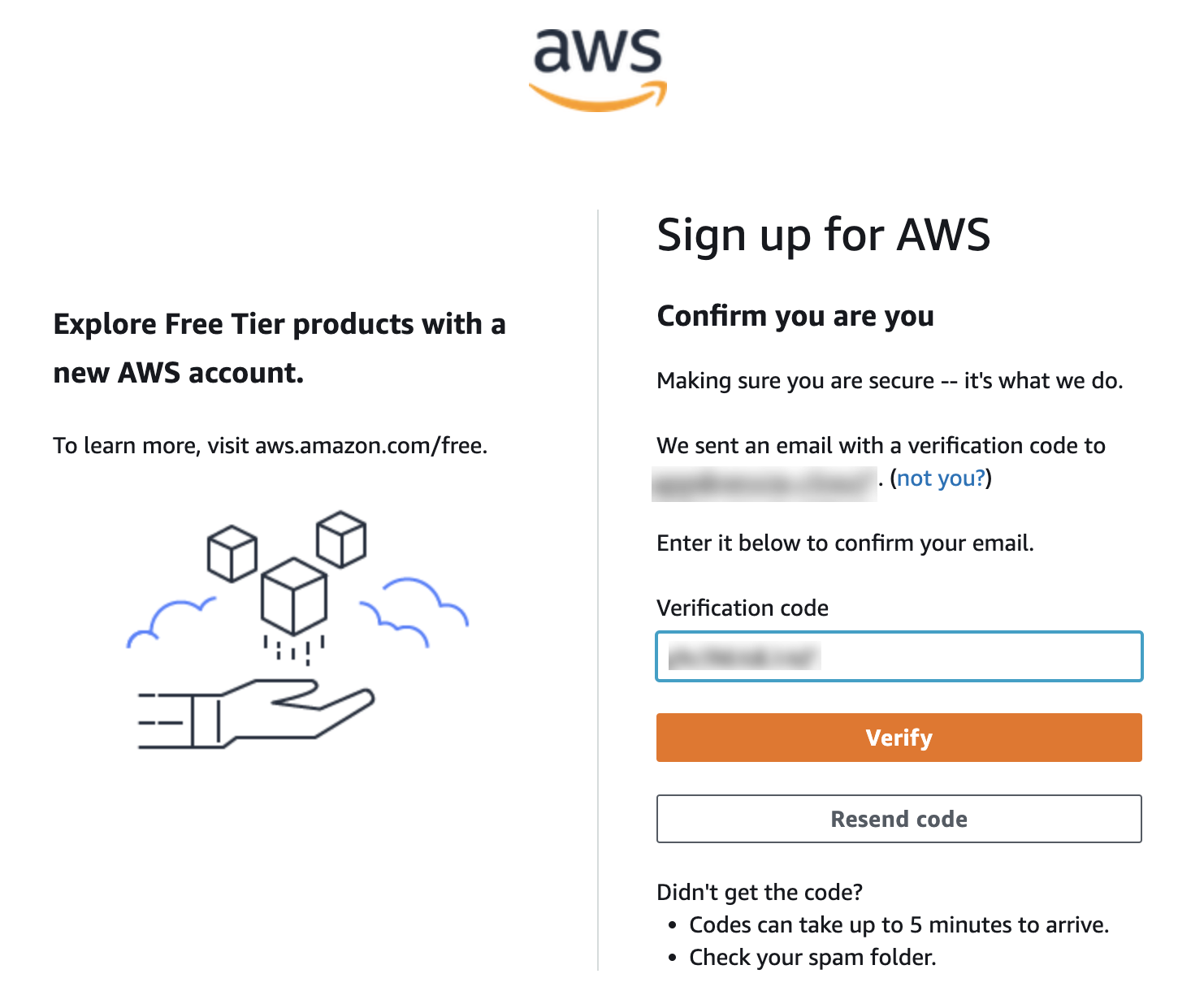
- Copy the verification code from the email and paste into the provided box and click Verify.
从电子邮件中复制验证码,并将其粘贴到提供的框中,然后点击验证。
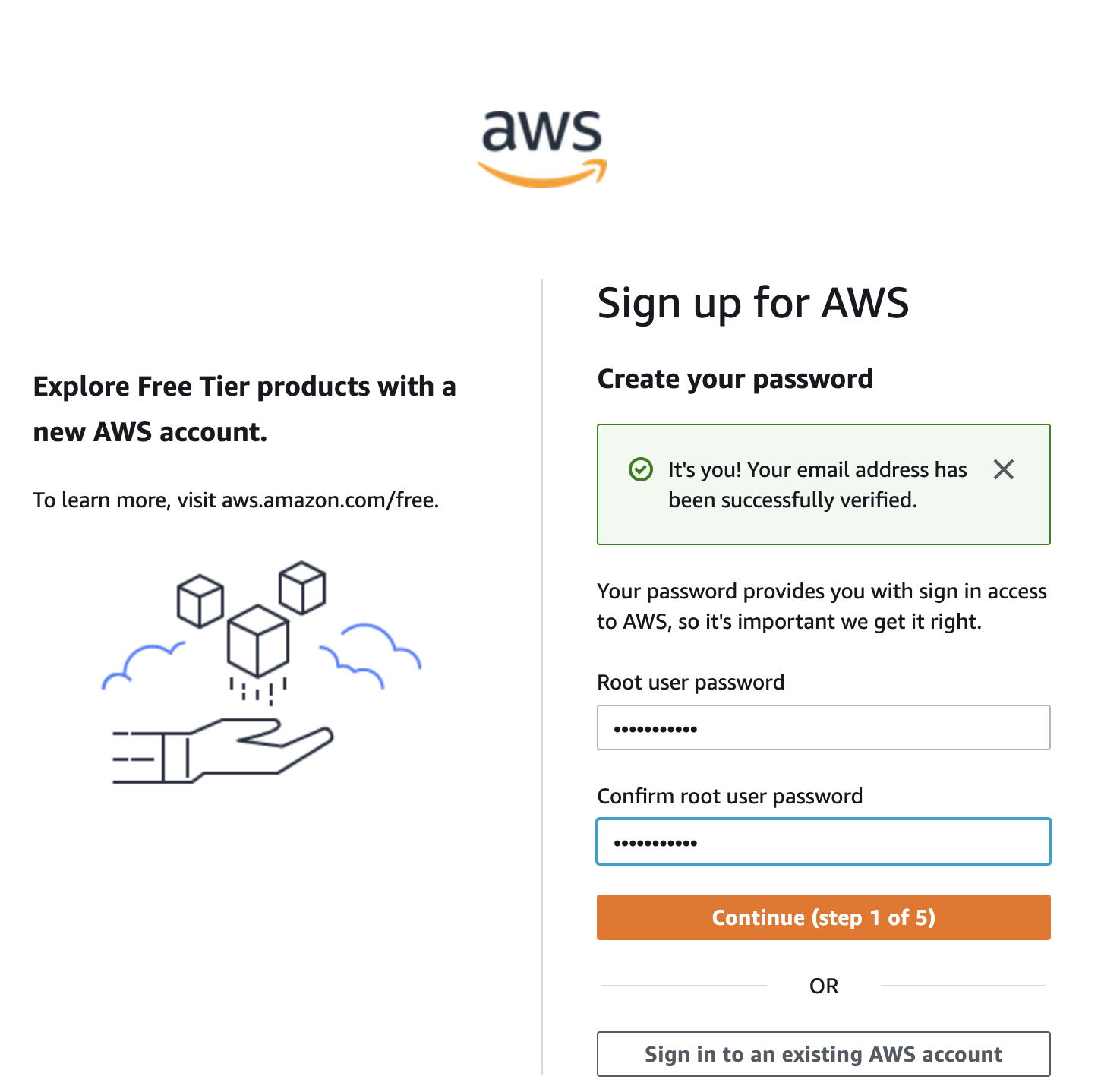
- Set a password that matches the criteria. The password should have a minimum of 8 characters and a maximum of 128 characters. It should include a minimum of three of the following mix of character types: uppercase, lowercase, numbers, and ! @ # % ^ & * () <> [] {} | _+-= 符号。密码不应与您的 AWS 账户名称或电子邮件地址相同。如果密码不符合条件,系统将不允许您继续操作。
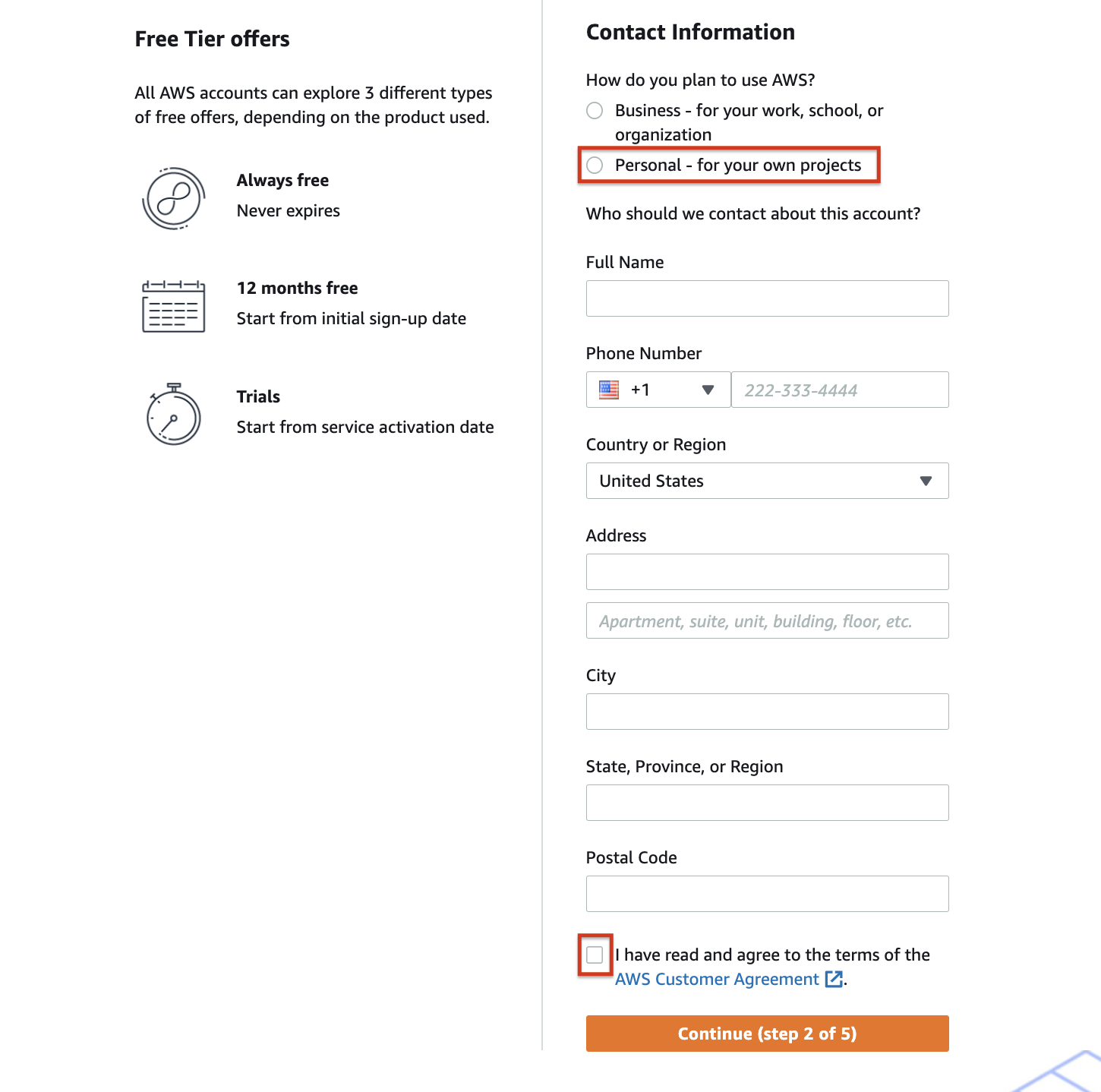
- Choose Personal account option. Enter your personal information. AWS assures data privacy. More info on this can be found here. Read through the terms and conditions and check the agreement box.
选择个人账户选项。输入您的个人信息。AWS 保证数据隐私。更多相关信息可在此处找到。仔细阅读条款和条件,并勾选同意框。
- In the next screen, your credit card information needs to be provided. AWS does not charge your card unless you use any paid services. Provide the details and continue to the next step.
在下一屏中,需要提供您的信用卡信息。AWS 除非您使用任何付费服务,否则不会向您收费。提供详细信息并继续下一步。 - AWS requires that your identity is checked with an SMS or a voice call to a valid number. Provide the details and fill in the security check.
AWS 要求通过短信或向有效号码进行语音通话来验证您的身份。提供详细信息并填写安全检查。
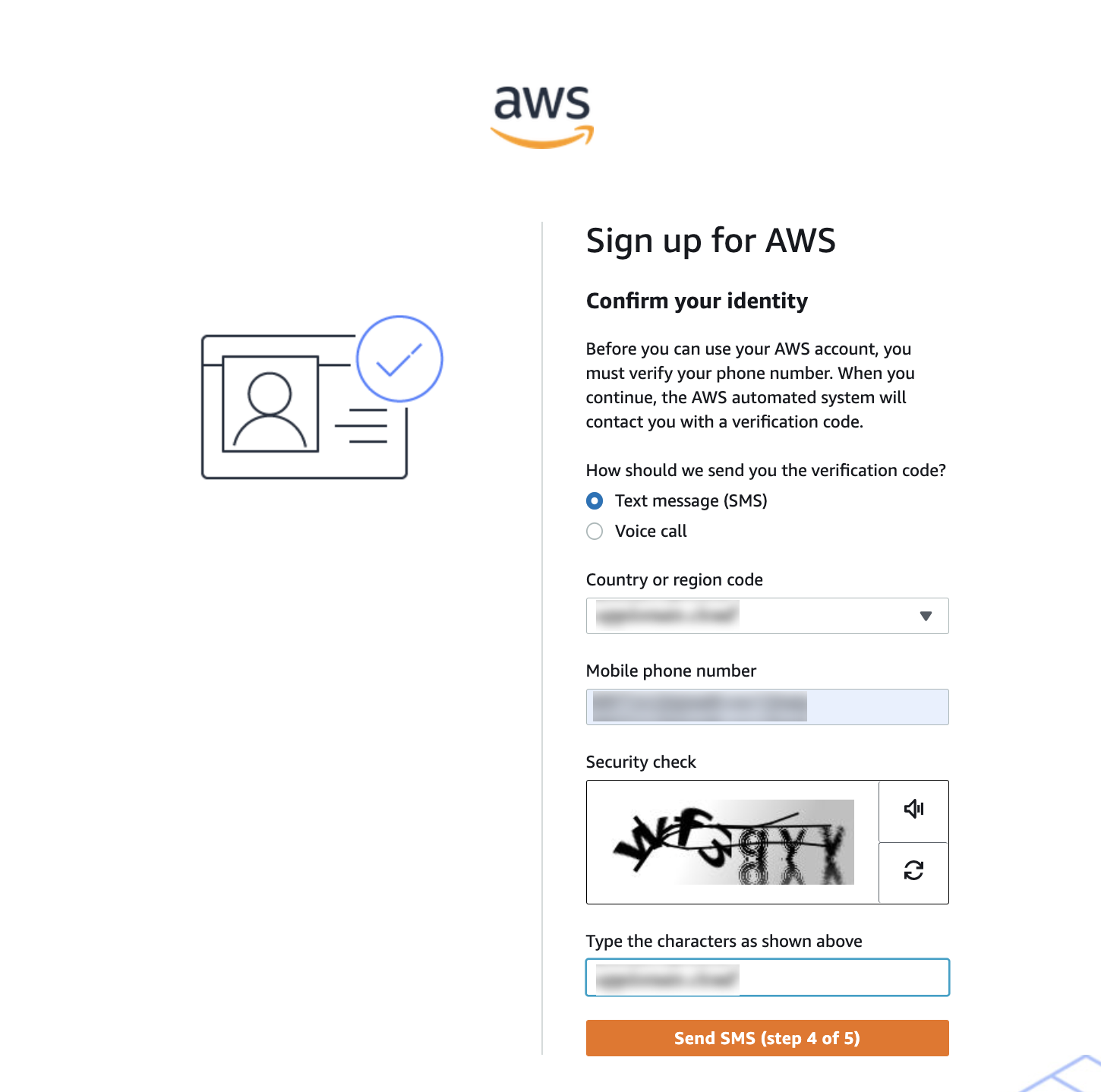
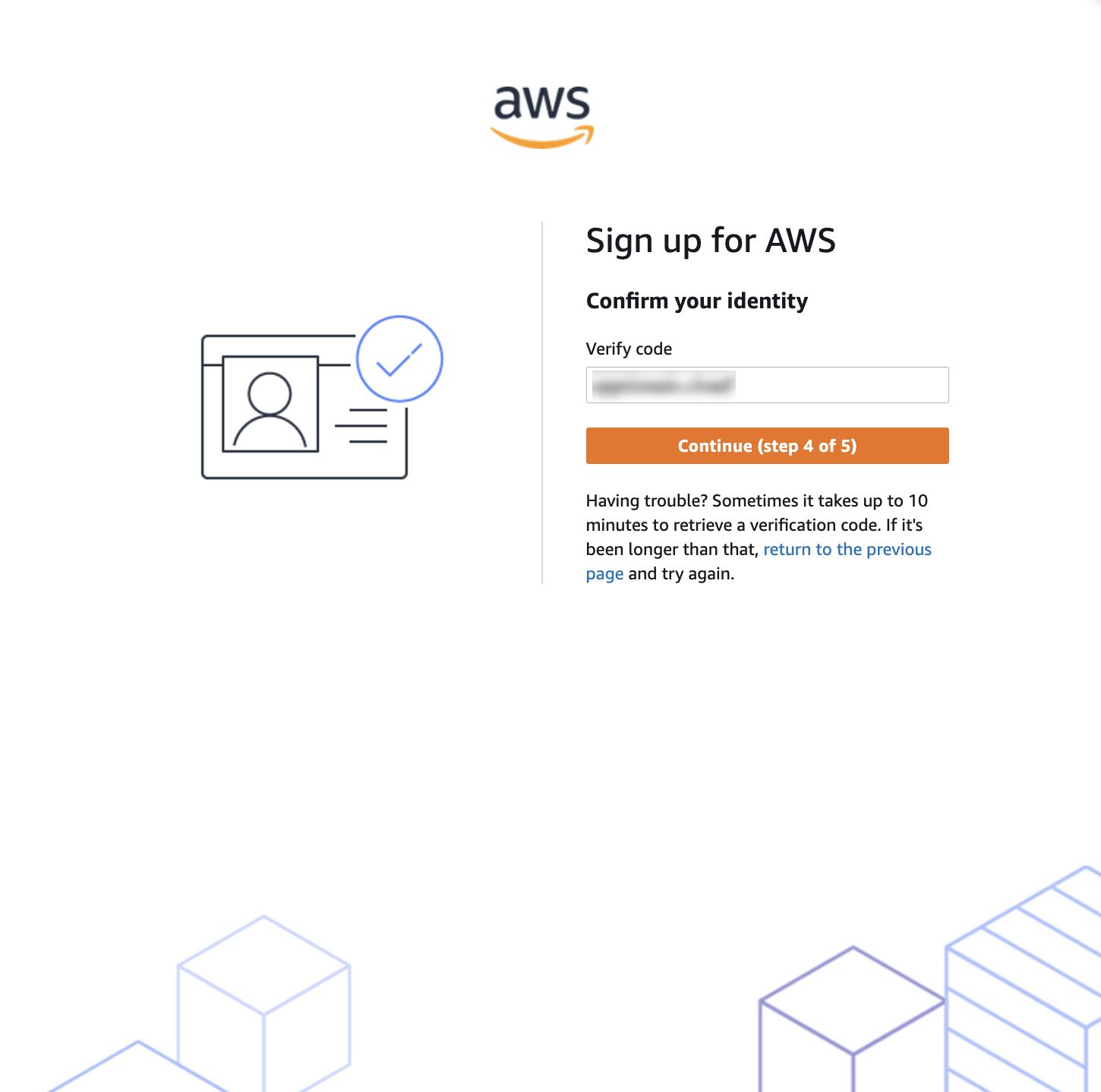
- An SMS is sent, or a voice call is made to the number provided. If you choose the SMS option, you will receive a code in a few seconds. Enter the code and continue to step 4.
向提供的号码发送短信或进行语音通话。如果您选择短信选项,几秒钟内您将收到一个验证码。输入验证码并继续到第 4 步。
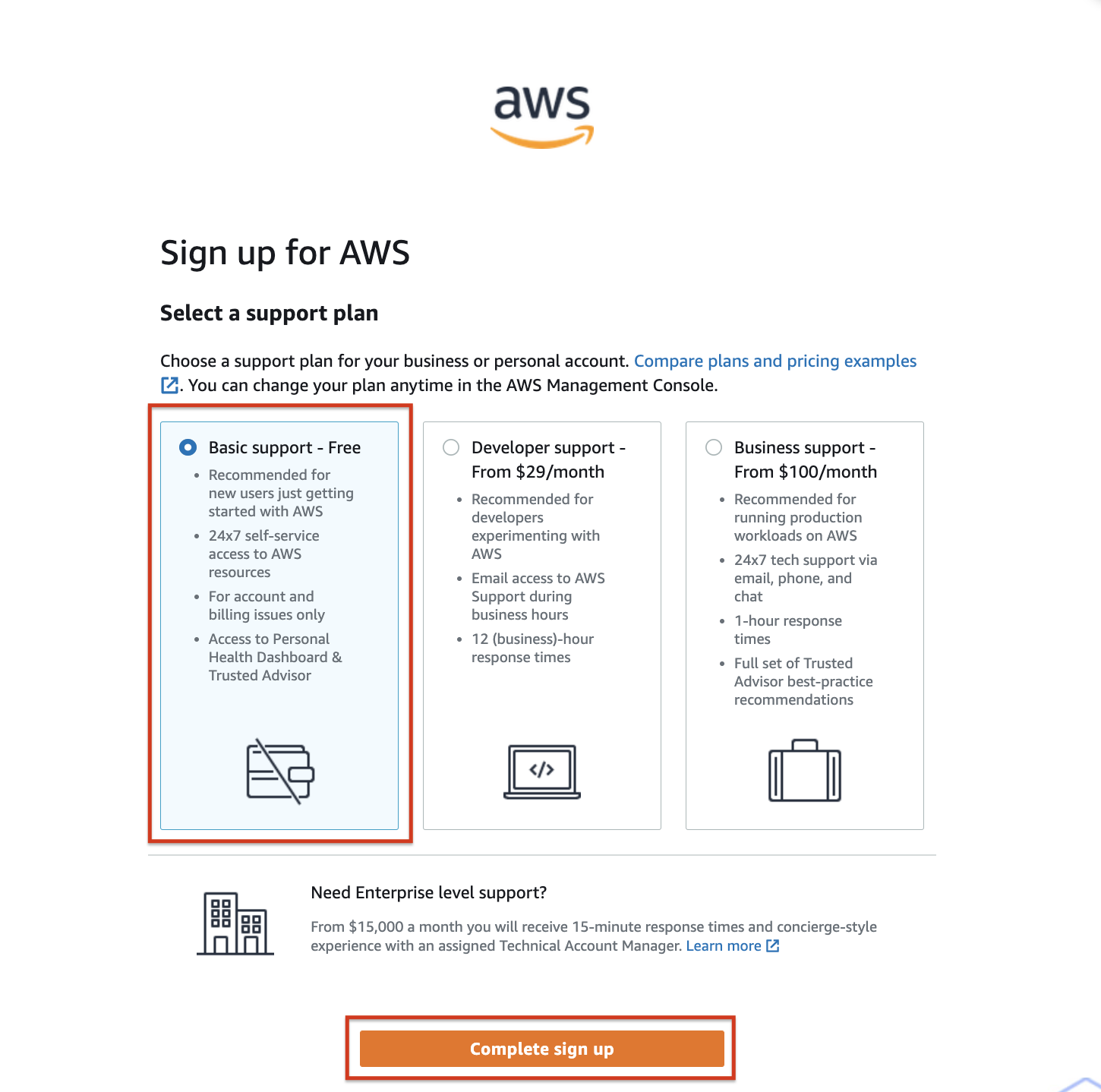
- Choose a support plan that is most suitable. The Basic support comes free of cost, and your card will not be charged. If you choose the other options, it will be charged to the card. Click Complete sign up.
选择最合适的支持计划。基础支持是免费的,您的卡不会被收费。如果您选择其他选项,将会被收费到您的卡上。点击完成注册。
- You have now successfully signed up for an AWS account. You can proceed to login with your email and password.
您现在已成功注册了 AWS 账户。您可以使用您的电子邮件和密码继续登录。