Module 01 · Design Sketching for 3D Printing3D 打印设计草图
Peer-graded Assignment: Module 1: Shapes同行评审作业:模块 1 形状绘制
The purpose of this assignment is to give you the opportunity to apply the concepts you have learned in this module and to discuss some of the key ideas of the module in your own words. Follow the instructions provided and respond to each question. This a required activity for this module.
本作业的目的是让你有机会应用在本模块中学到的概念,并用自己的话讨论模块中的关键思想。遵循提供的指示,回答每个问题。这是本模块的必做活动。
This assignment can be completed on paper or digitally using Sketchbook. If using paper, all you need is paper, pens/pencils, and a way to upload the image for review (phone or scanner). Use one paper for each part of the assignment below.
这项作业可以用纸张或使用 Sketchbook 数字化完成。如果使用纸张,你需要的是纸张、钢笔/铅笔以及上传图像进行审查的方式(手机或扫描仪)。每个作业部分使用一张纸。
Sketchbook has free versions for windows/mac , IOS , and Android . Create one image for each of the five parts of the assignment below. Save sketches as images, with one image for each part of the assignment below.
速写簿为 Windows/mac、iOS 和 Android 提供免费版本。为以下任务的五个部分各创建一张图片。将草图保存为图片,每部分一张。
Create the following number of shapes based on what we have learned:
根据我们所学,创建以下数量的形状:
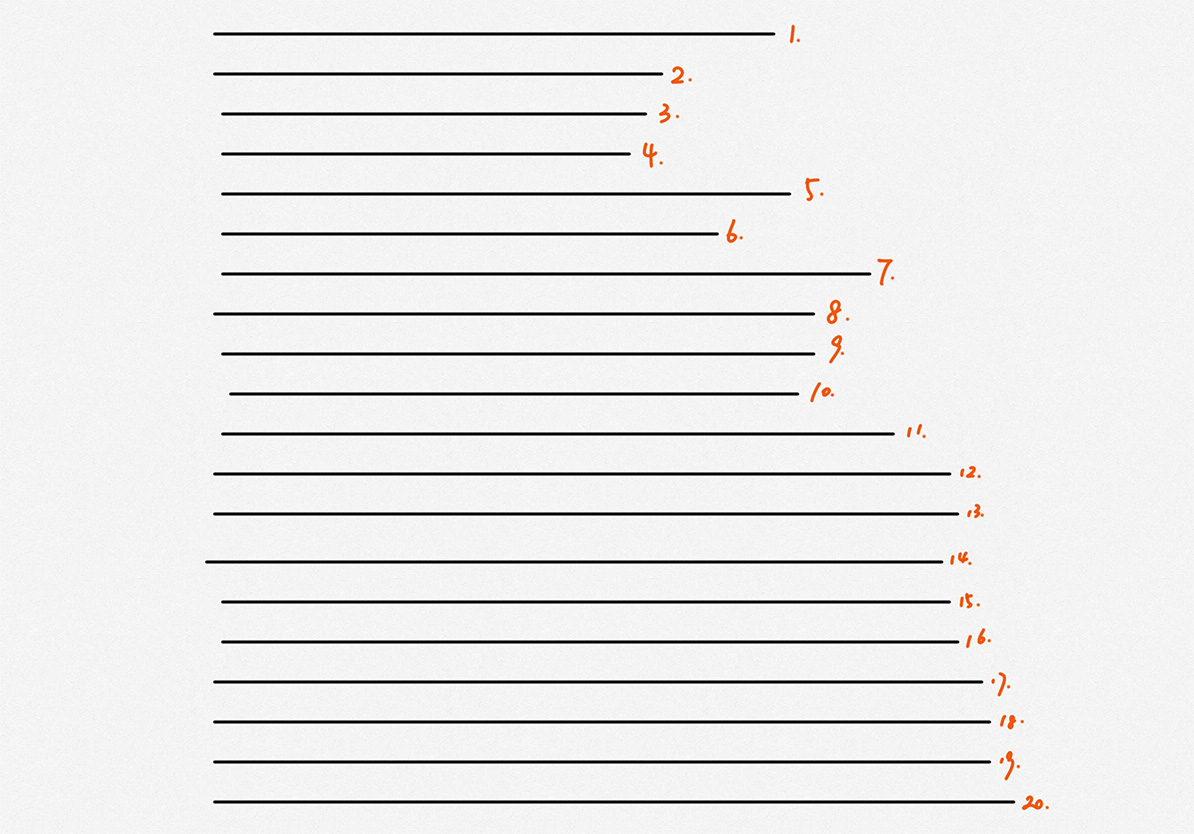
- Lines: Draw 20 horizontal lines. These lines should be freehand, with a starting point and end point. No stopping and starting; draw complete, powerful lines. Name the image yourname_Lines
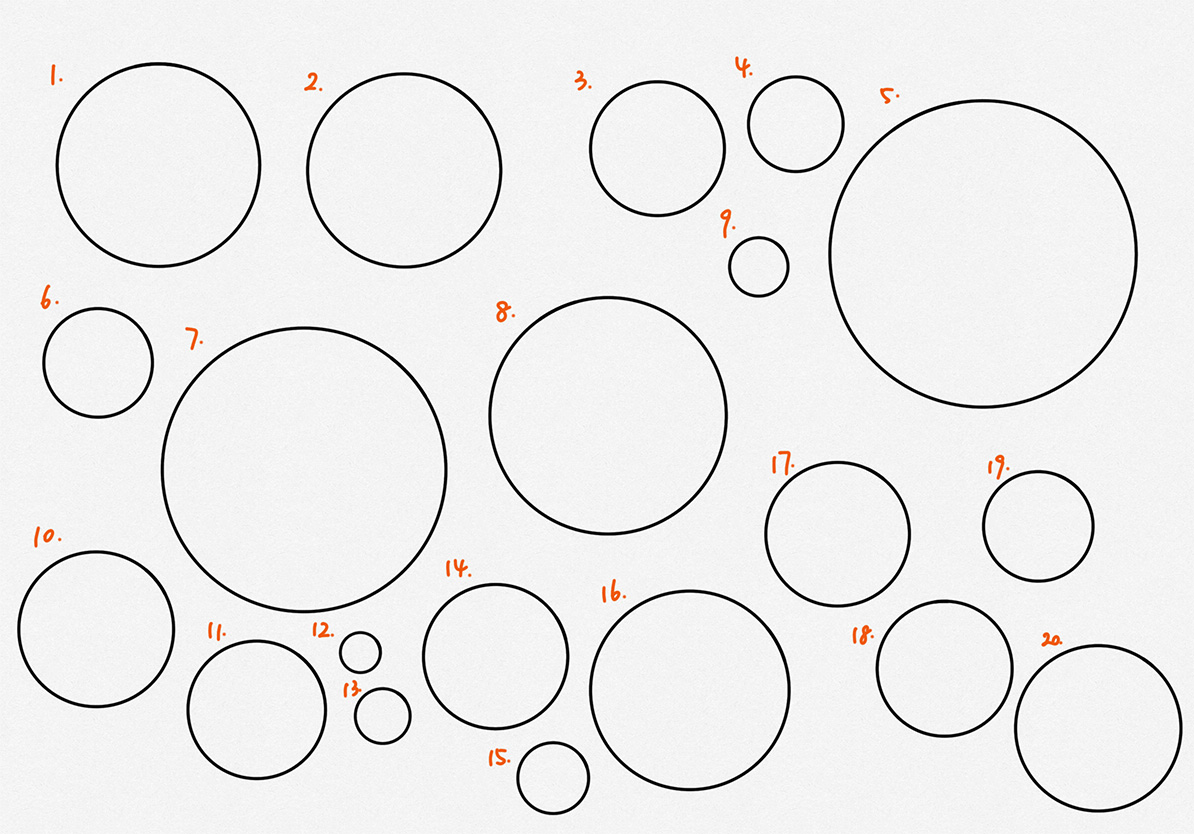
行:画 20 条水平线。这些线应该是徒手画的,有起点和终点。不要停顿和开始;画完整、有力的线。将图片命名为 yourname_Lines - Circles: Draw 20 complete circles of a variety of diameters. These circles should be freehand and complete. No stopping and starting; draw complete, powerful lines. Name the image yourname_Circles
圆圈:绘制 20 个不同直径的完整圆圈。这些圆圈应徒手完成。不要停顿和开始;绘制完整、有力的线条。将图片命名为 yourname_Circles - Rectangles: Draw 20 rectangles. These rectangles should be freehand with a range of sizes. No stopping and starting; draw complete, powerful lines. Name the image yourname_rectangles
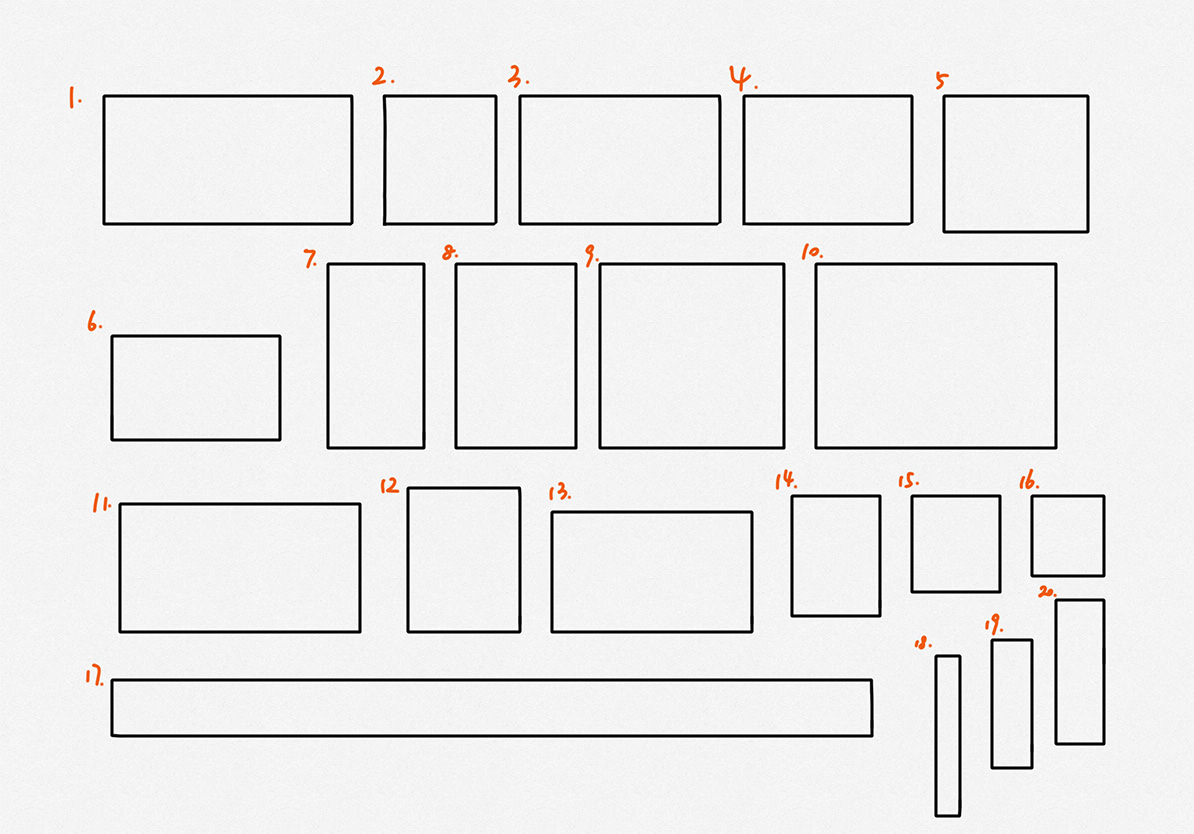
矩形:绘制 20 个矩形。这些矩形应徒手绘制,尺寸各异。不要停顿和开始;绘制完整、有力的线条。将图片命名为 yourname_rectangles - Isometric cubes: Draw 5 cubes of various sizes. These are isometric, so lines heading in the same direction are parallel. Draw bold/heavy outside lines and lighter inside lines. Name the image yourname_IsoCubes
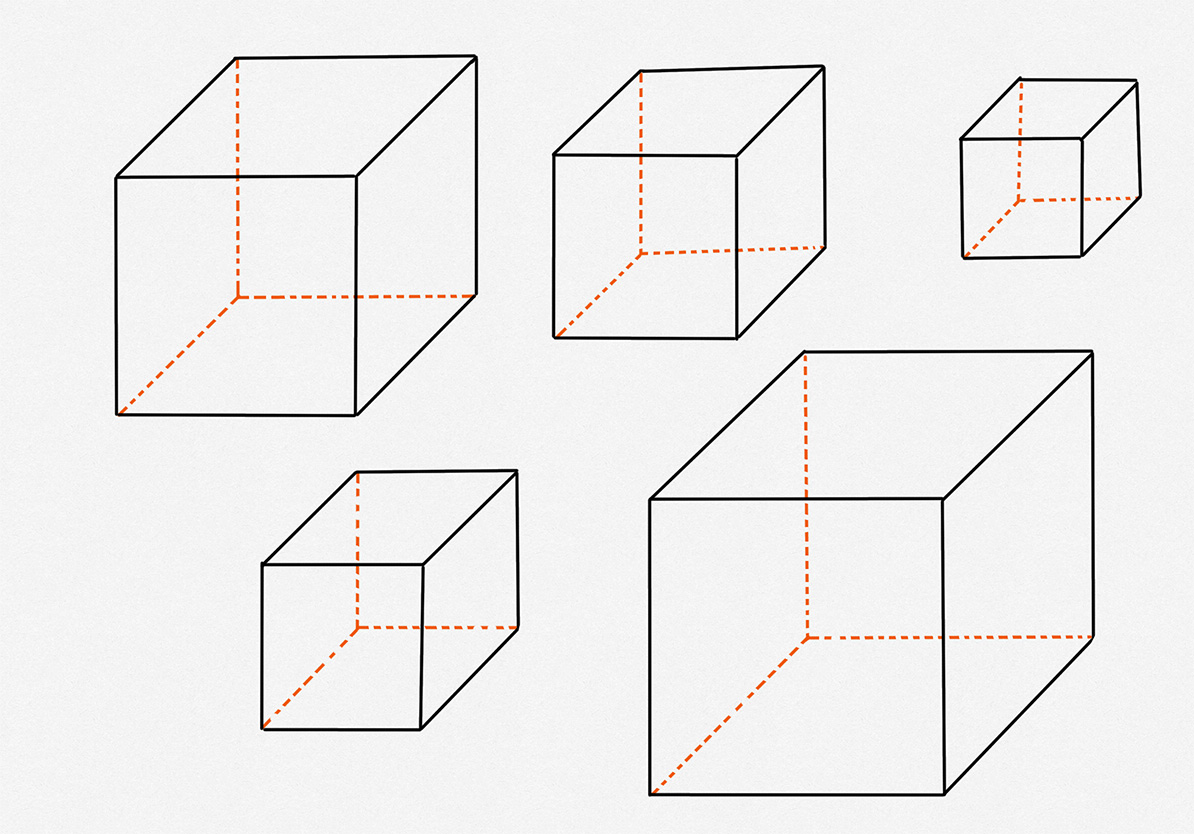
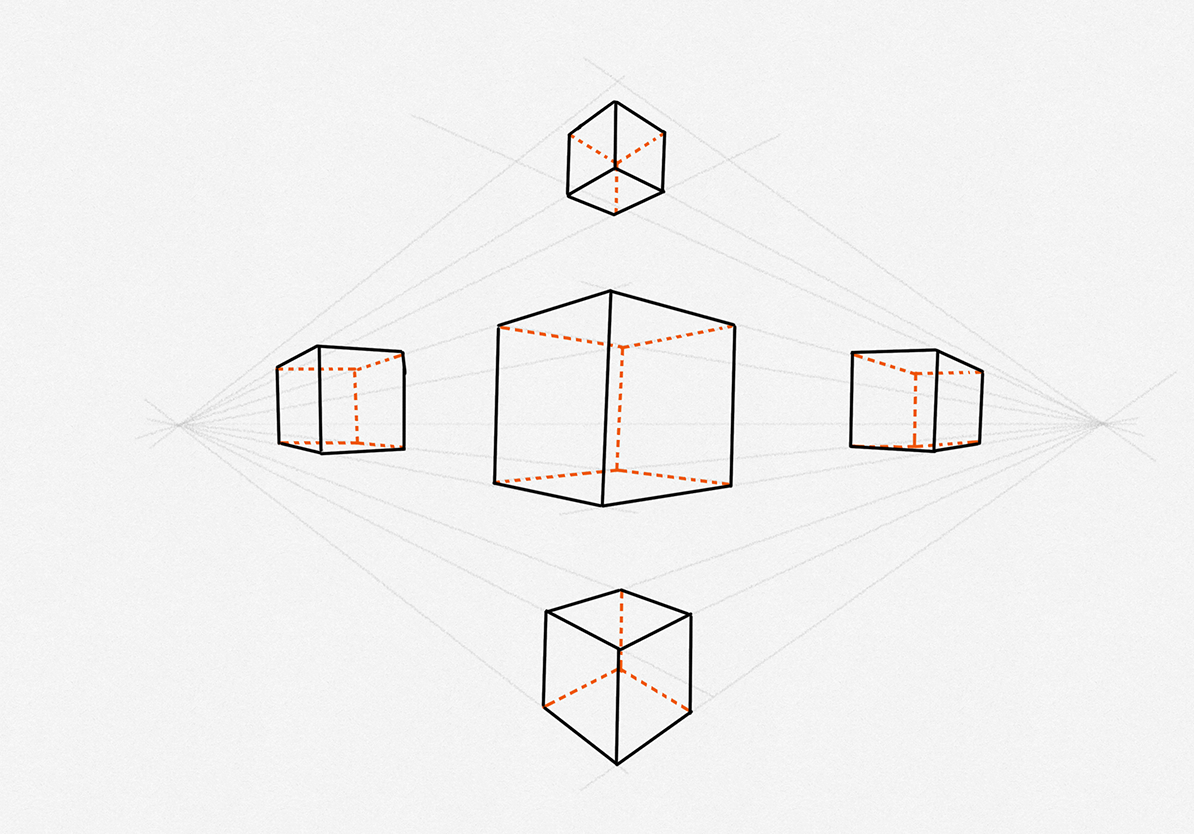
等距立方体:绘制 5 个不同大小的立方体。这些是等距的,所以同一方向上的线条是平行的。绘制粗/重的外部线条和较轻的内部线条。将图片命名为 yourname_IsoCubes - Perspective cubes: Draw 5 3-point perspective cubes of various sizes. These are not isometric, so lines heading in the same direction need to go towards a vanishing point. Draw bold/heavy outside lines and lighter inside lines. Name the image yourname_PerspectiveCubes
视角立方体:绘制 5 个不同大小的 3 点透视立方体。这些不是等距的,所以同一方向的线条需要指向消失点。绘制粗/重的外部线条和较轻的内部线条。将图片命名为 yourname_PerspectiveCubes
Submit your answers to each of the questions based on the prompt provided on the My submission tab. Enter your answers directly in the spaces provided in the My submission tab. You may save a draft of your work as you go, and you can come back later to continue working on your draft. When you are finished working, click the Preview button, verify your identity, and then click Submit for review to submit the assignment.
提交您根据“我的提交”标签页上的提示提出的每个问题的答案。直接在“我的提交”标签页中提供的空白处输入您的答案。您可以在进行过程中保存草稿,稍后回来继续编辑草稿。完成工作后,点击“预览”按钮,验证您的身份,然后点击“提交审核”以提交作业。
Assignment Submissions 作业提交
The peer review assignment requires you to upload files for peers to review and grade. To submit peer review assignments you must upload the files to a cloud drive, and then copy the URL in the "link" by clicking the link button and pasting the link in the text box to submit the assignment. Submit one link for each part. For this assignment, you should submit five links.
同行评审作业要求您上传文件供同行评审和评分。提交同行评审作业时,您必须将文件上传到云端驱动器,然后点击链接按钮复制“链接”中的 URL,将其粘贴到文本框中提交作业。每个部分提交一个链接。对于这个作业,您应该提交五个链接。
Follow the link below to sign up for free use of A360, a free cloud storage service. The same autodesk account works for this cloud drive and all other software from autodesk.
点击以下链接免费注册 A360 的使用,A360 是一款免费的云存储服务。相同的 Autodesk 账户适用于此云盘以及 Autodesk 的所有其他软件。
https://a360.autodesk.com/drive
Having trouble sharing your file? Please refer to this help document to share your file.
遇到分享文件的问题吗?请参阅此帮助文档以分享您的文件。
If A360 does not work for you, please feel free to use alternative cloud drives such as Google Drive or One Drive.
如果您 A360 无法使用,请随意使用其他云盘,如谷歌盘或 One Drive。